
One chapter, one morning, one group.
Your group wakes to the same chapter each weekday. You add a word for the day, choose extra chapters, and members reflect together. Quietly, with nobody keeping score.
“For where two or three gather together in My name, there am I with them.”Matthew 18:20
What your group sees
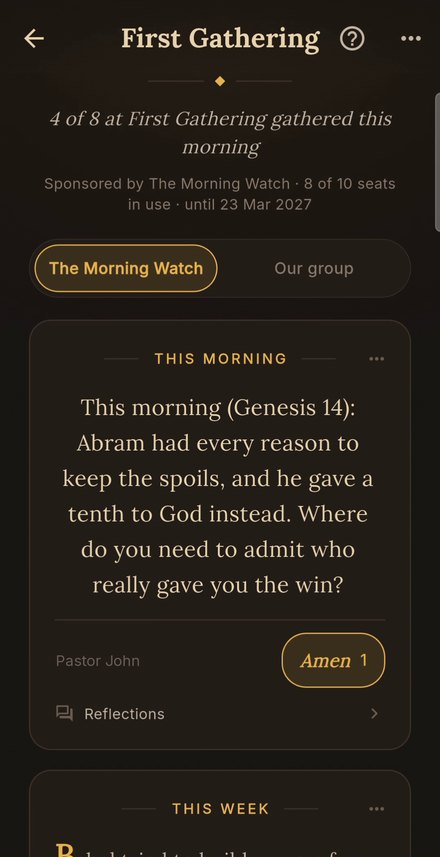
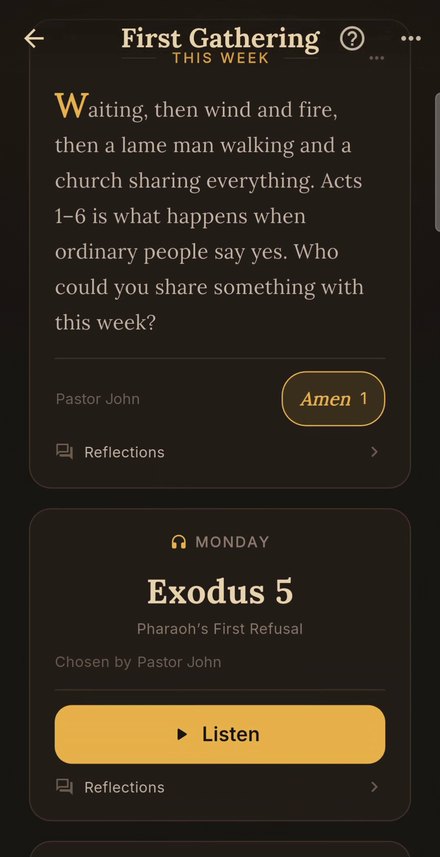
Open a group from the Groups card on the Home screen. It has two sides: The Morning Watch for the day's chapter and your word on it, and Our group for the chapters you choose. The ? at the top walks anyone through it.
Starting a group
Starting and leading a group is part of Premium. Joining one is always free. Members need no account and no card.
Create it
On the Home screen, open the Groups card → Start a group, and give it a name your members will know.
Share the code
Your group has a short invite code that never changes. Share it from the group page, or show its QR code. Anyone who scans it lands on the join page.
Write the first word
Tap Daily or Weekly under “Write for your group”. A sentence or two is plenty; members read it with their coffee.
Pick a chapter
Switch to Our group and tap Chapters to choose what your group hears this week. The book you're preaching through, or Sunday's reading.
Ideas that work
Read the code out loud
Announce the code on Sunday and put the QR on the welcome table or in the bulletin. Most people join in the moment, on the phone already in their hand.
Walk with the sermon
Pick the week's chapters from the passage you will preach. Your people arrive on Sunday having already heard it.
Ask one question
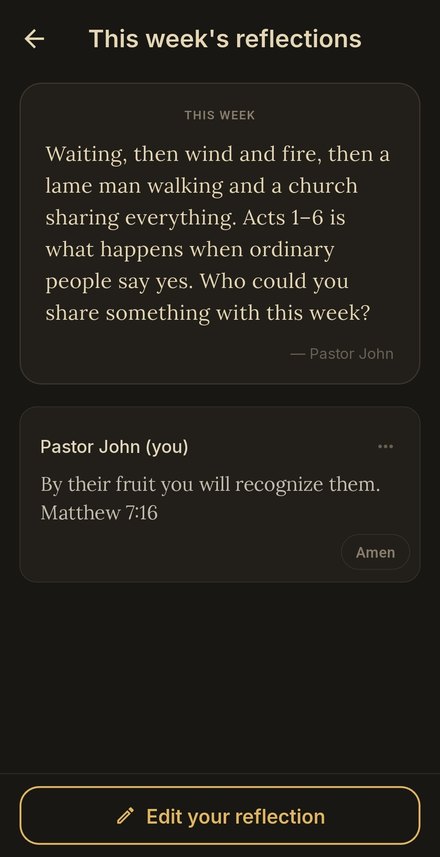
A weekly note that ends with one question gets more replies than a long one. Leave room for people to answer.
Keep it gentle
The app never shows who listened and who didn't, and neither should anyone else. Celebrate the mornings people come; never chase the ones they miss.

Bringing a whole church along?
Churches, ministries and families can give every member of their group Premium for the year, so everyone hears the new chapter every weekday. Members still just join with your code.
Church offices can find the details on our Churches & groups page, or email us with any question.